My DAW & Go-To Plugins — Why I Chose Pro Tools, and the Plugins That Survived【Studio Interview】
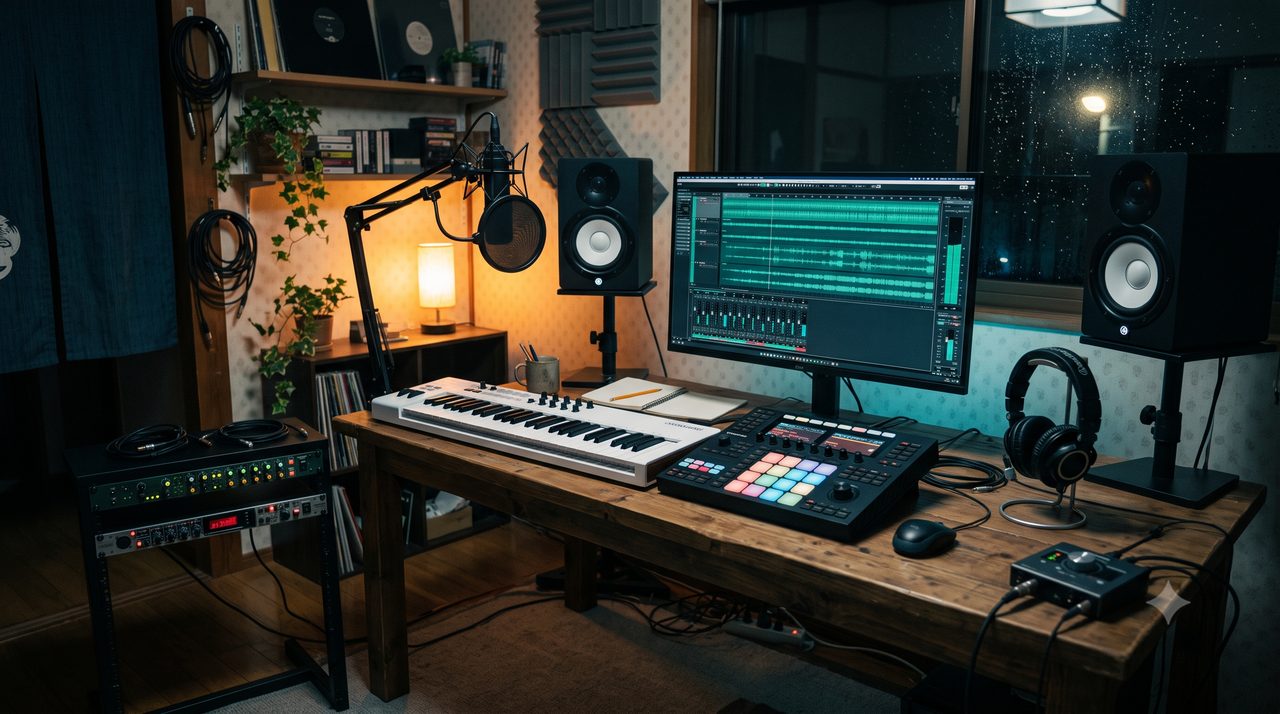
Note: the header is an illustrative image, not a photo of the actual studio.
"What does this person actually make music on?" — that's the part I care about most when I read a review. Not a spec sheet, but why they chose it, how they use it, and how it honestly went.
So in this series I'm opening up my own studio — the Beat Lab owner's — in an honest, interview format. Part 1 is my DAW (Pro Tools) and the plugins I can't work without: the story behind the "gear & plugins I use" list on the homepage.
The DAW: why Pro Tools
I get asked that sometimes. The reason is simple: what started it wasn't specs or reputation — it was admiration.
In high school, an older friend I met through skateboarding was rapping. To me back then, he just looked incredibly cool. One day he got Pro Tools, and I started thinking, "I want to use the same thing."
I was a high schooler, so I had no money at all. One of the first pieces of gear I bought was the Roland PCR-A30 — a MIDI keyboard that doubled as an audio interface. One box doing two jobs was the appeal.
After that I got Pro Tools 8 LE, bundled with the Mbox 2 Mini. Before that I'd been messing around with SONY ACID Pro, a ZOOM MTR and an MPC1000 — but this was the point where I could say I'd "started DTM."
Looking back, wanting the gear was what drove me more than anything. Slowly putting a setup together with no money, completely absorbed in music — that was the starting point of my DTM life.
First, a funny one: my MPC1000 died by water damage. While I was volunteering in Vietnam, I'd apparently left the air conditioner in my room running. The MPC was sitting right under it, the AC's drain clogged, water dripped down, and by the time I got home the MPC was flooded and dead (lol).
So I bought the Maschine I'd had my eye on. That turned out to be the turning point. I got hooked and went Maschine (1st gen) → Maschine 2. I was moving between my parents' place and my apartment a lot and hauling gear was a pain, so I kept a Maschine 2 Mikro at the apartment. When the Maschine 3 generation came, I replaced that Mikro with a Maschine 3 Mikro.
On the interface side, after the Mbox 2 mini it went US-2000 → 003 Rack → SSL2+ → 828. It started because the Mbox 2 mini didn't have enough inputs. I bought a mixer to expand, but just finding room for the MTR and a mixer took up a serious amount of space — so I changed my mind and decided to just get one box with more inputs. Then at one point my SSL crush kicked in and I went SSL2+ … and of course I ran out of inputs again, so I ended up on the 828 (lol).
MIDI keyboards went PCR-A30 → Axiom Pro 49 → my current Roland A-49. I went for the feature-packed Axiom Pro for a while and ran a Faderport alongside it too — but these days I'd rather keep the desk clear. I still own smaller things like a microKEY, but the desk is just the A-49 and a Maschine now.
Laid out like this, I realize I've been worried about the same thing the whole time: I hate boxes piling up on the desk, but I can't cut the inputs I need. Maybe it's all just been me negotiating between those two.


My DAW has always been Pro Tools, and I kept buying the upgrade versions. The reason is simple: I once cheaped out on the subscription and suddenly lost access when it expired. After that fear of "wait, it won't open" mid-project, I went back to perpetual. I upgraded from the regular version naturally, so I'm on Pro Tools Studio now. I honestly don't fully know the differences between editions, so just pick by the features you need.

I've tried others. Ableton came bundled (an LE version) with some gear, but it was too different and I never clicked with it. Also, when I was deciding whether to become a mixing engineer, the studio I visited used Pro Tools, and that renewed my admiration.
The big practical thing is that it's the exchange standard. Even now, when I ask a friend for vocals, the data sometimes comes back as a Pro Tools project file, not just audio. It really is standard in studio/artist workflows, so Pro Tools it is.
My workflow splits the roles: Maschine is the idea stage. I build the structure there, bounce stems into Pro Tools, and from there I play sax, record percussion, add piano, record talkbox — then mix and master right there. No real complaints; if I had to name one, it's that you can't use VST (AAX only). As a Pro Tools user you get in the habit of checking whether a plugin has an AAX build.
Honestly? If you're on a Mac, I'd just recommend Logic. VST works, updates are free, and the interface is easy to grasp. FL is genuinely appealing too — free updates, totally viable. I'm on Pro Tools because of my history and the exchange standard. To be clear, I don’t run a DAW “for vocal processing” specifically — I need one to record audio, to play MIDI through the whole track, and to edit tone in detail. Once you want that level of detail, Maschine alone gets tough, so you really do need a DAW.
Plugins: the ones that survived years of buying
An honest premise first: I buy a LOT of plugins. But the ones I actually end up using narrowed down to what I feature on this site. I'm not naturally good at mixing/mastering, I don't want to spend forever on it, but I still want to get close to the sound in my head — and that's how I arrived at the chain in my mix template article. Here are the ones I truly can't start without.
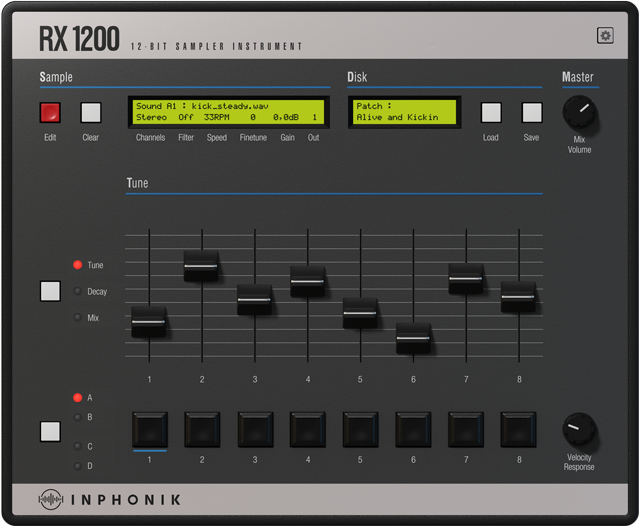
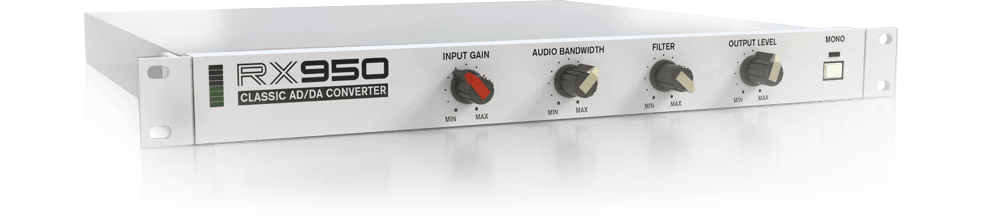
1) The biggest "wow": Inphonik RX1200 (SP-1200 emulation)
This is the one that made me go "whoa" the first time. I love the SP-1200 and the whole process of shaping its sound, and I used to watch breakdown videos all the time. When I tried RX1200, it was really close to the sound I'd been imagining. As I wrote in the 90s Boom Bap article, it's amazing that such expensive vintage gear can be recreated this cheaply. I own a few other SP-1200 emulations and Maschine has a similar mode, but RX1200 hit completely different. If you love that 90s hip-hop sound, even just running your drums through it changes the whole impression.
▶ The SP-1200 reference video I kept watching
2) Characterful keys: Spitfire Originals Felt Piano
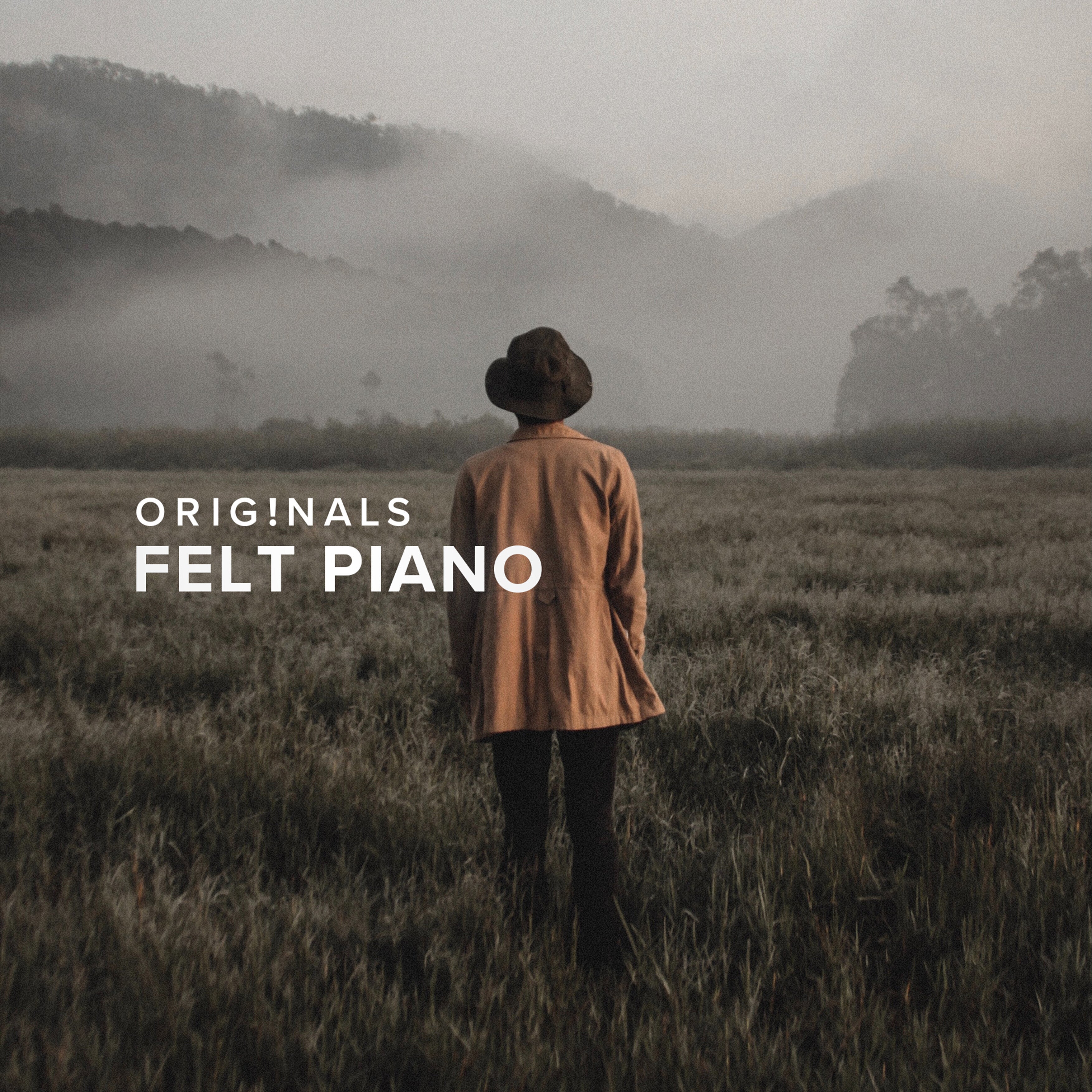
My go-to piano. That muted, felt-dampened tone has real character, and it fits Lo-Fi, Jazz Hip Hop and Boom Bap so well. Spitfire also has a wide free entry point, so it's worth keeping around as a top-line option.
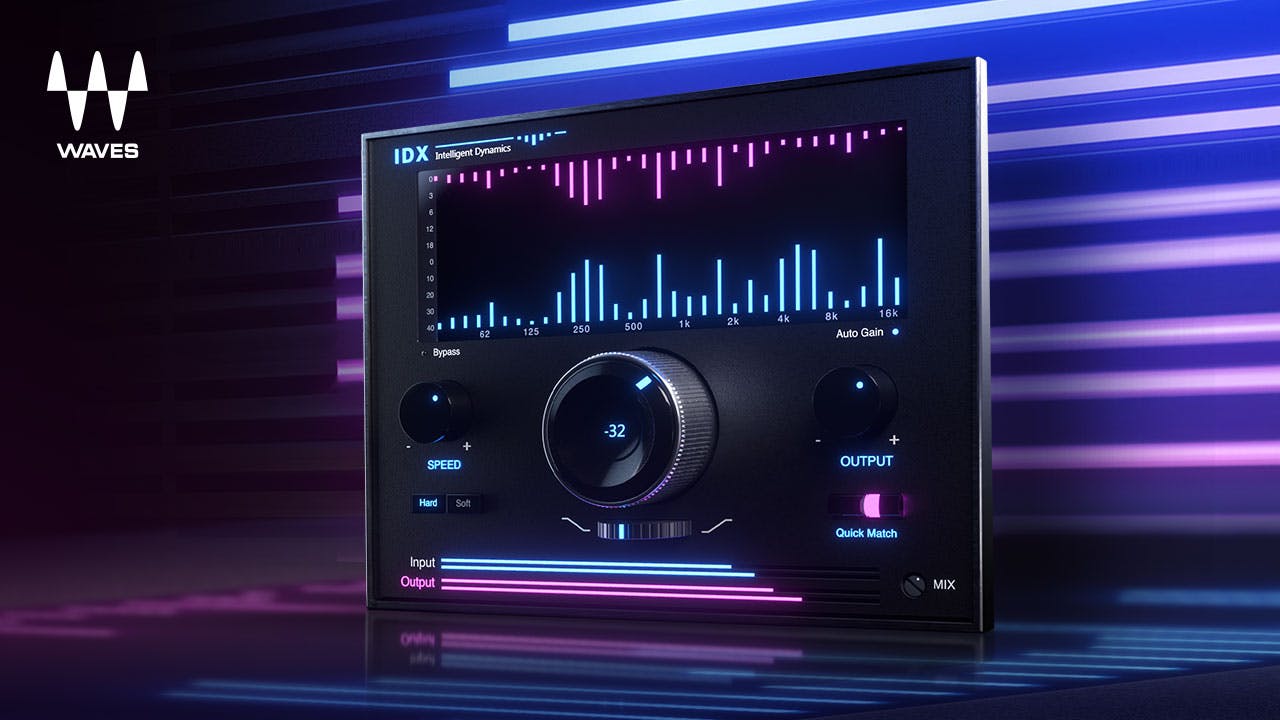
3) Naturally in place: Waves IDX
A plugin that processes sound naturally and easily, which is a huge help. I put it on top-line parts almost every time now — the bits I want to "stand out as the melody" come forward honestly. Full breakdown in my standalone IDX review.
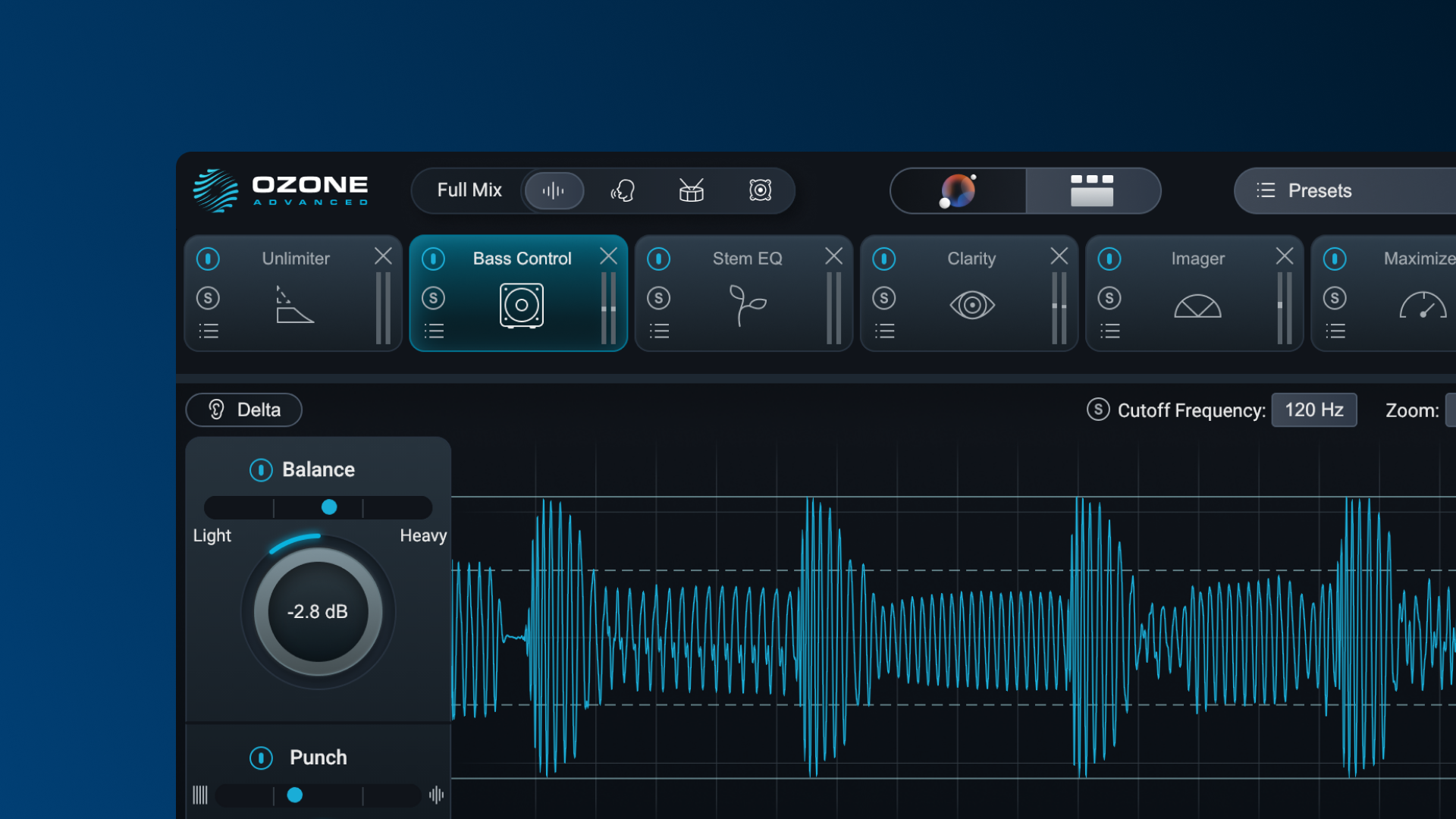
4) The ultimate time-saver: iZotope Ozone
Mastering is always this. Its strength is turning complex processing into a "good idea" instantly. You take the AI's starting point and adjust to taste, so it's the best of both worlds — idea generation and time saved. For someone like me who isn't naturally great at mix/master, the payoff is huge.
My "first move" by scenario
Mostly it follows the chain in my mix template, but here's what I reach for first in each situation.
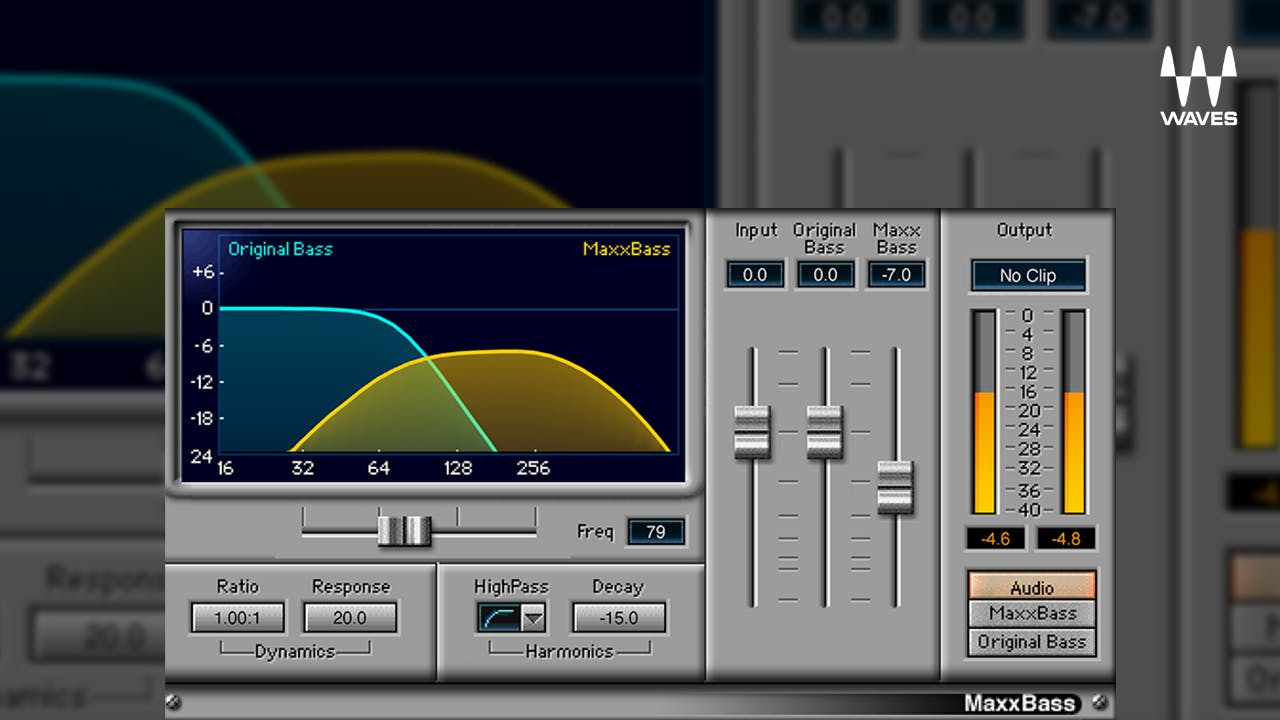
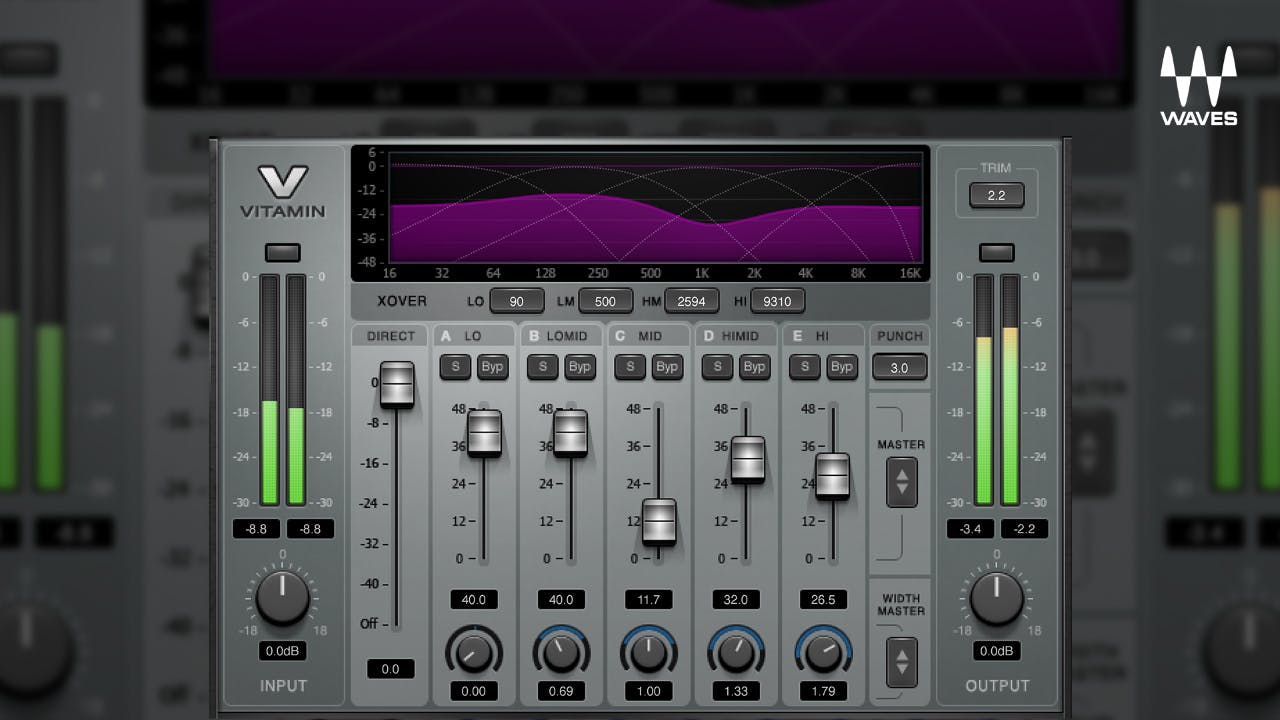
1) 808 / bass: add harmonics for audibility
Keep the sub's core, but add harmonics so it cuts through phone speakers. I lean on MaxxBass and Vitamin for that.
2) Top-lines / melody: IDX to bring it forward
IDX (above) is the staple here. The band you want to feature comes forward naturally, so it breaks less than forcing it up with EQ.
3) Vocals: timing, pitch and leveling
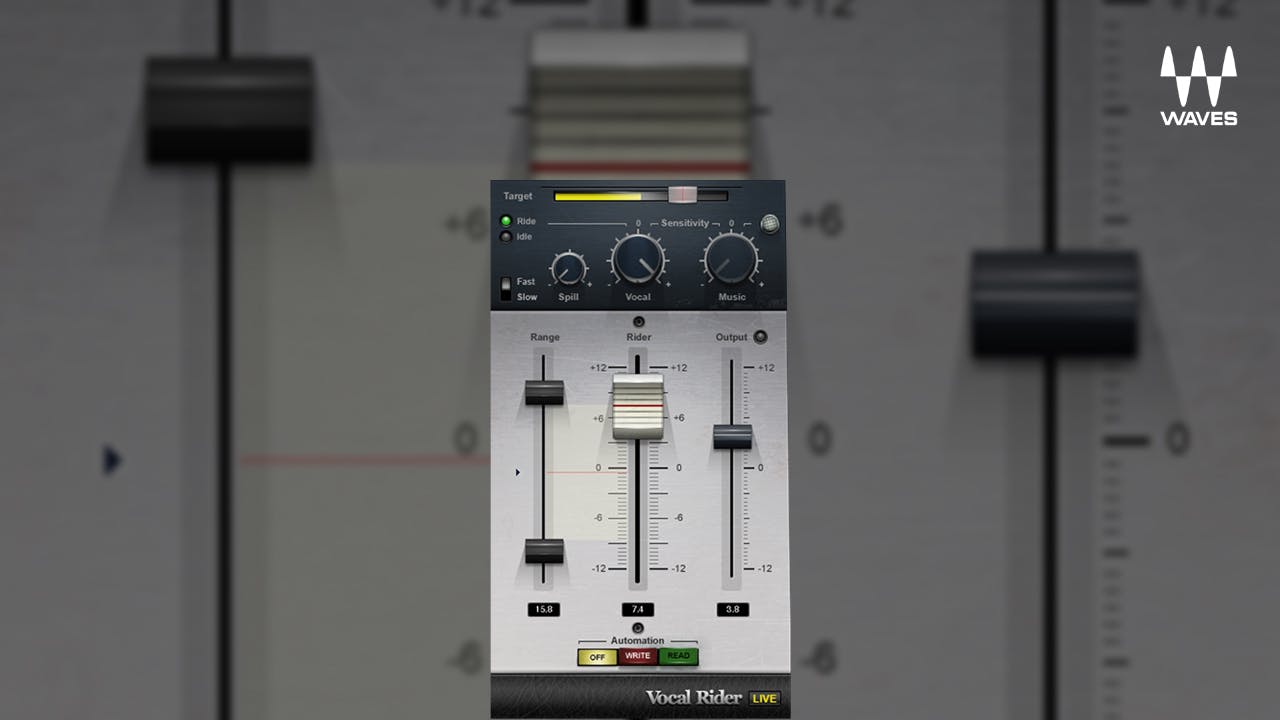
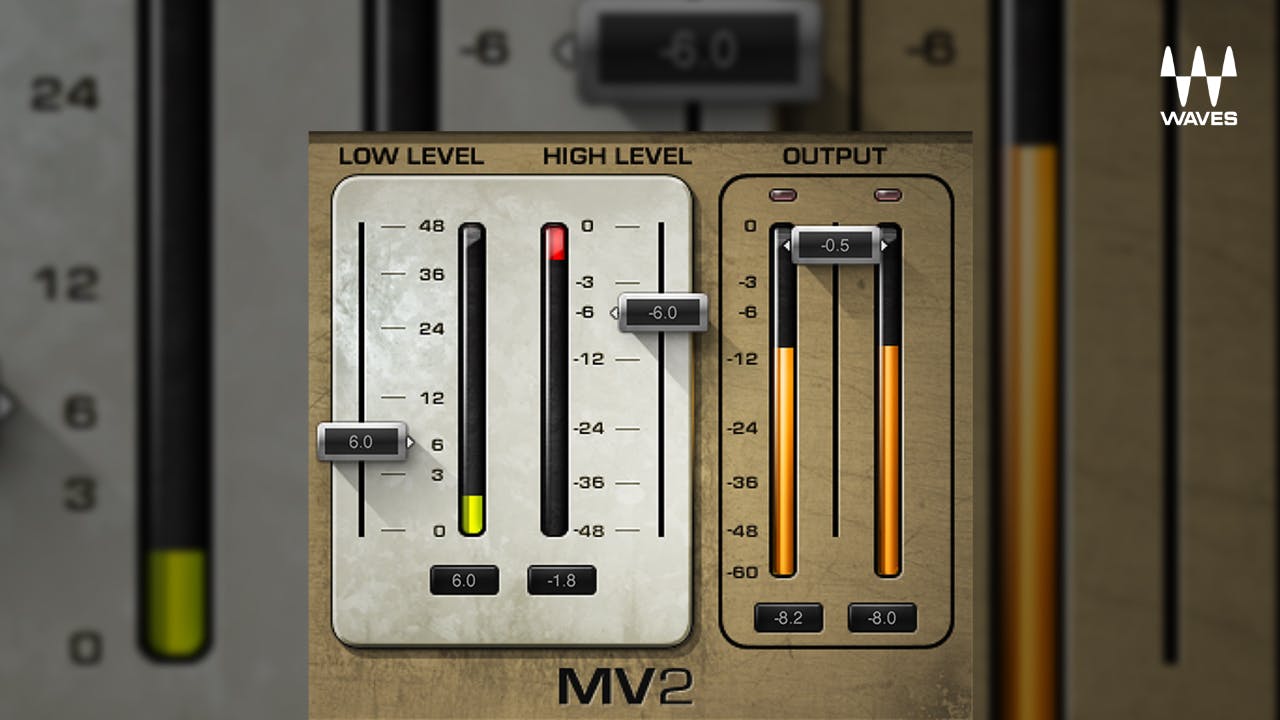
For vocals, Melodyne and VocAlign are essential — timing and pitch are settled with those two. On top of that I use Vocal Rider and MV2 quite a bit to even out level.


4) Mastering: warmth → finish → loudness
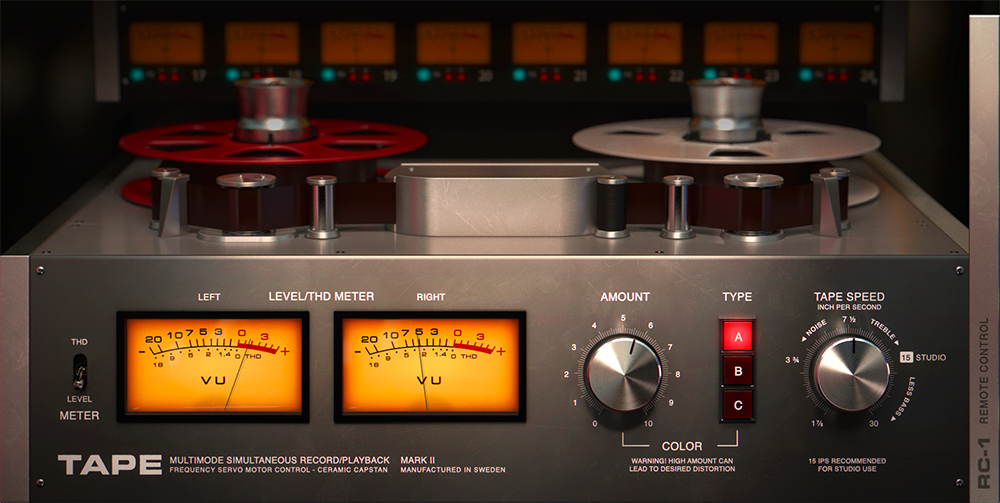
Putting Softube Tape at the front of the master takes off a little of the digital edge and adds warmth. Then I finish with Ozone, and lately L4 too — it's easy to dial dynamics on the master.
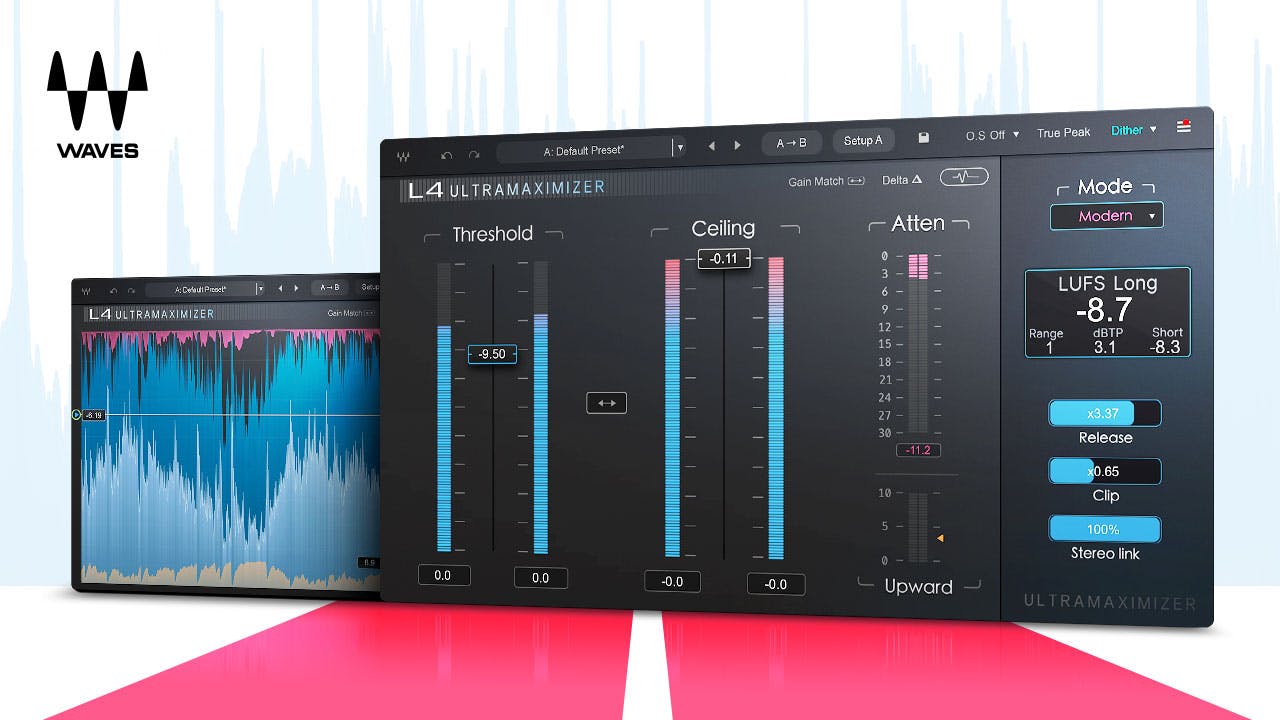
For loudness thinking and final-stage routing, see my L4 review and the loudness meter tool.
Wrap-up: started from admiration, trimmed down through practice
My Pro Tools journey started from a skateboarding friend's crush on rap gear, and it's been a long time now. There's no "best DAW for everyone" — Logic on Mac, FL for value and free updates, Pro Tools for the exchange standard and my own history. Honestly, they're all fine.
Plugins are the same: what matters isn't buying more, it's narrowing to what survives in practice. The ones here are what my hands keep reaching for after buying way too much. Start by adding just one that caught your eye to your chain.
➡ Part 2: Hardware is live. Headphones, monitors, mics, a talk box and a saxophone — the gear I actually use and why I picked each piece. Same interview format.