Is Pro Tools Really Expensive? Pricing Plans and How to Choose for Beatmaking
"Pro Tools is software for recording studios." "For beatmaking, isn't another DAW or hardware easier to use?" — these impressions still run deep in the production world.
But today's Pro Tools has significantly strengthened its MIDI programming and non-linear arrangement features, evolving into a DAW that holds its own for beatmaking too.
Here is the reality behind the "it costs too much" claim, along with the pros and cons from a beatmaking perspective. If you're weighing DAWs against FL Studio and Ableton Live, or want to add a new workflow to hardware like an MPC, we hope this helps.
▶ Official demo video (Pro Tools Sketch) (Avid Pro Tools)
Originally for recording, but production features have caught up
To start with the key point: the idea that "Pro Tools is weak at production" is becoming a thing of the past.
Pro Tools originally developed as software specialized in recording, audio editing and mixing rather than "production" via programming. As a result it was often avoided by programming-focused creators, but through repeated updates it has caught up to a level where programming is as comfortable as in other production software.
MIDI programming on a normal timeline is now smooth, but what stands out most is "Pro Tools Sketch," added in the 2023 update (Pro Tools 2023.9).
Freed from the traditional timeline, it lets you arrange audio loops and MIDI fragments (clips) in a grid and, with a single button, toggle play/stop to intuitively try out "beat arrangements." With a non-linear feel like switching sampler pads to build a progression, it's a sketch tool for developing beat ideas, and it's included as standard in every grade including the free Intro (there's also a free iPad app version).
When you fold Pro Tools into beatmaking, the following hybrid workflow is a classic.
- Drum and other loops: build the groove intuitively on familiar external hardware (like Maschine)
- Import: break the built tracks out (stems) and import them into Pro Tools
- Add and record top layers: in Pro Tools, program non-loop phrases like piano with soft synths, and record live instruments such as horns and percussion to flesh things out
- Finishing: do the mixdown and mastering right in Pro Tools
Build the "core" of the beat on a familiar sampler or gear, then handle the arrangement, recording and final output (mixing and mastering) in Pro Tools — this division of labor is well known as a practical way to bring Pro Tools into your setup.
Three reasons beatmakers choose Pro Tools
Among the many options, the reasons Pro Tools is favored can be organized into three.
1. Excellent effects and multi-instruments are included from the start
Pro Tools has excellent effects, of course, but its instruments (sound sources) are strong too.
In particular, the bundled multi-instrument "Xpand!2" is a classic, capable plugin for beatmaking. It comes with a huge library of ready-to-use presets — piano, synths, pads and more — handy for a bit of fleshing out or arranging. Xpand!2 is still included in every grade including the free Intro, and paid versions come with 110+ plugins (130+ for Studio) from the start.
Being able to use high-quality effects and multi-instruments right away, without assembling plugins from scratch, is a big advantage for beginners looking to keep their initial gear investment down.
2. Exchanging data with other creators and studios is convenient
In hip-hop production, collaboration and data exchange happen frequently.
When you hand off a 2-mix to have instruments or vocals recorded, it often comes back as a Pro Tools project (session) file.
Because it's used as standard in many recording studios, simply having the same environment reduces the hassle of exporting and importing and the worry of errors, making exchanges very smooth. This high compatibility is a major strength.
3. Reliability and reassurance in mixing and mastering
Many producers complete the mixdown and mastering entirely within Pro Tools.
The separation and cohesion when layering many tracks is valued as something only a mixing engine trusted as an industry standard for years can deliver. The reassurance of "finishing in the same environment as the studios" is another reason Pro Tools is chosen. For a loudness check after export, using our free dynamics analysis (LUFS) alongside it helps raise the precision of your finishing stage.
Honestly noting where Pro Tools struggles
Here are the downsides worth knowing before you buy.
Updates come fairly often
Pro Tools is updated relatively frequently.
New features are welcome, but there's a fair amount of overhead in watching OS compatibility and checking whether your plugins are supported. "Once it's stable, lock the version and use it for a while" is a realistic call in the field.
The license cost is somewhat high
This is probably the biggest reason many beatmakers hesitate. Whether one-time (perpetual license) or subscription (monthly/annual), it's a fact that the upfront and ongoing costs are somewhat higher than other DAWs.
On the other hand, Avid is also known for its attentive support when trouble arises. Getting support commensurate with the cost can be seen as one reassuring factor against the price.
[Latest 2026] Pro Tools pricing plans and how to choose
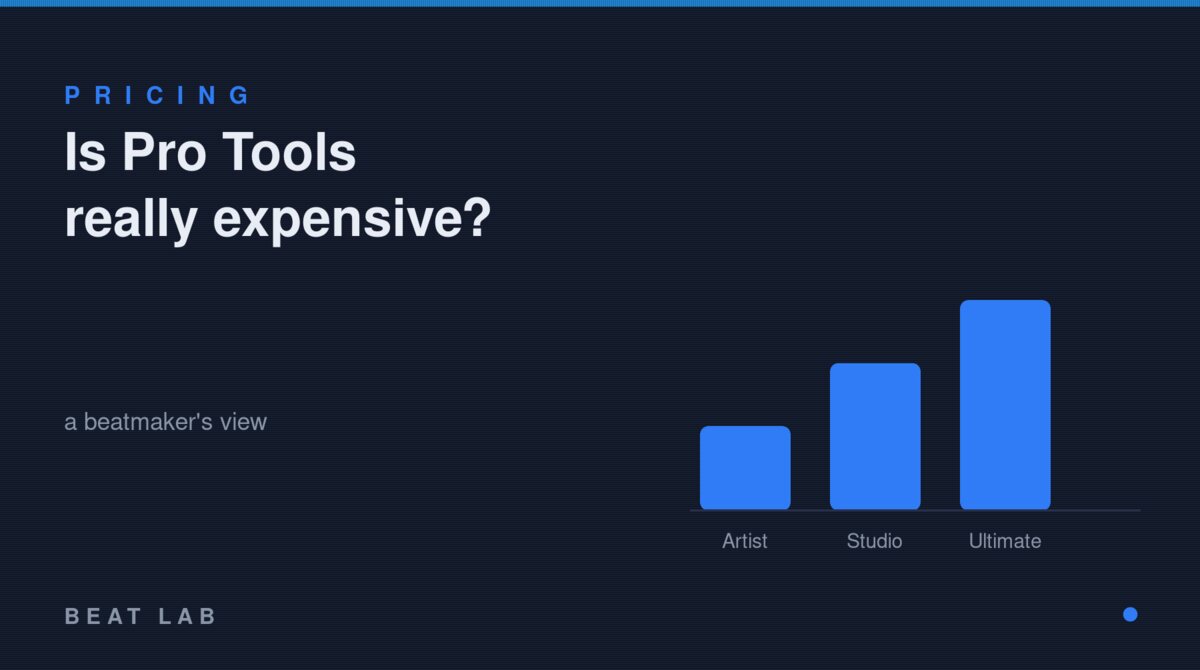
Today's Pro Tools has a free "Intro" plus three grades — "Artist," "Studio" and "Ultimate" — each available as a subscription (monthly/annual) or a one-time purchase (perpetual license).
| Plan | Monthly sub | Annual sub | Perpetual license | Perpetual annual renewal |
|---|---|---|---|---|
| Pro Tools Intro | Free | — | — | — |
| Pro Tools Artist | $9.99 | $99 | $199 | $69 |
| Pro Tools Studio | $34.99 | $299 | $599 | $199 |
| Pro Tools Ultimate | $99 | $599 | $1,499 | $499 |
*Individual USD prices based on Avid official information as of July 4, 2026. Perpetual licenses are not sold through the Avid official store and are purchased via authorized dealers (in Japan, Sound House etc.). Street prices in JPY vary with exchange rates and dealers.
Here's how beatmakers can decide which to choose.
- A subscription (annual plan) suits you if
- You want to start with the lowest possible upfront cost
- You want to always follow the latest features and OS-compatibility updates
- A one-time (perpetual license) suits you if
- You don't want to pay a recurring monthly or yearly cost
- Once installed, you want to lock the OS and version and use it for the long haul
The recommended plan (grade) for beatmakers
For personal-studio or home production where you can use the full core features, "Pro Tools Studio" offers the best balance. On top of 512 audio tracks and 130+ bundled plugins, it supports Dolby Atmos mixing, and Studio handles data sharing with other creators and outside studios without issue.
If you "just want to try the feel first," starting from the free "Pro Tools Intro" (8 audio / 8 instrument / 8 MIDI tracks, with Xpand!2) and moving to Studio once you outgrow it is a hard-to-miss route.
Frequently asked questions (FAQ)
Q1. Is there a free version of Pro Tools?
A. Yes. The free "Pro Tools Intro" gives you up to 8 audio, 8 instrument and 8 MIDI tracks, and includes 35 effects, the Xpand!2 multi-instrument and the Sketch window. Trying the feel with Intro first is recommended.
Q2. Should I choose a subscription or a perpetual (one-time) license?
A. If you want low upfront cost and always the latest version, go annual subscription; if you want to lock a version and use it long-term, go perpetual. Perpetual licenses aren't sold through the Avid official store and are purchased via authorized dealers such as Sound House. To keep updating, you renew a separate annual upgrade plan.
Q3. Is Pro Tools suitable for beatmaking?
A. Today's Pro Tools has comfortable MIDI programming, and Pro Tools Sketch—in every grade—lets you arrange clips in a grid and try arrangements non-linearly. A hybrid where you build the core of the beat on hardware or another DAW and finish from recording through mixing and mastering in Pro Tools works comfortably.
Q4. Which plan is best for solo production?
A. For home or personal-studio production, Pro Tools Studio (annual subscription $299 / perpetual $599, reference USD prices) with 512 audio tracks and 130+ plugins offers the best balance. Studio also handles session sharing with outside studios and creators without issue.
Summary: Pro Tools is "an investment in expanding your environment"
People say "Pro Tools is expensive," but that price can also be seen as an investment in being able to connect directly, in the same environment, with pro settings and outside creators.
Generate beat ideas on familiar hardware or another DAW, work out the arrangement in "Sketch," and build the track to completion in the reliable environment of Pro Tools. This workflow raises the speed of collaboration and the reassurance of the finished result.
If you're torn on which DAW to use, find the one that fits your style. As one new option, Pro Tools is well worth folding into your production setup.