Maschine MK3 Review: Current Status, Bundled Software & How to Buy
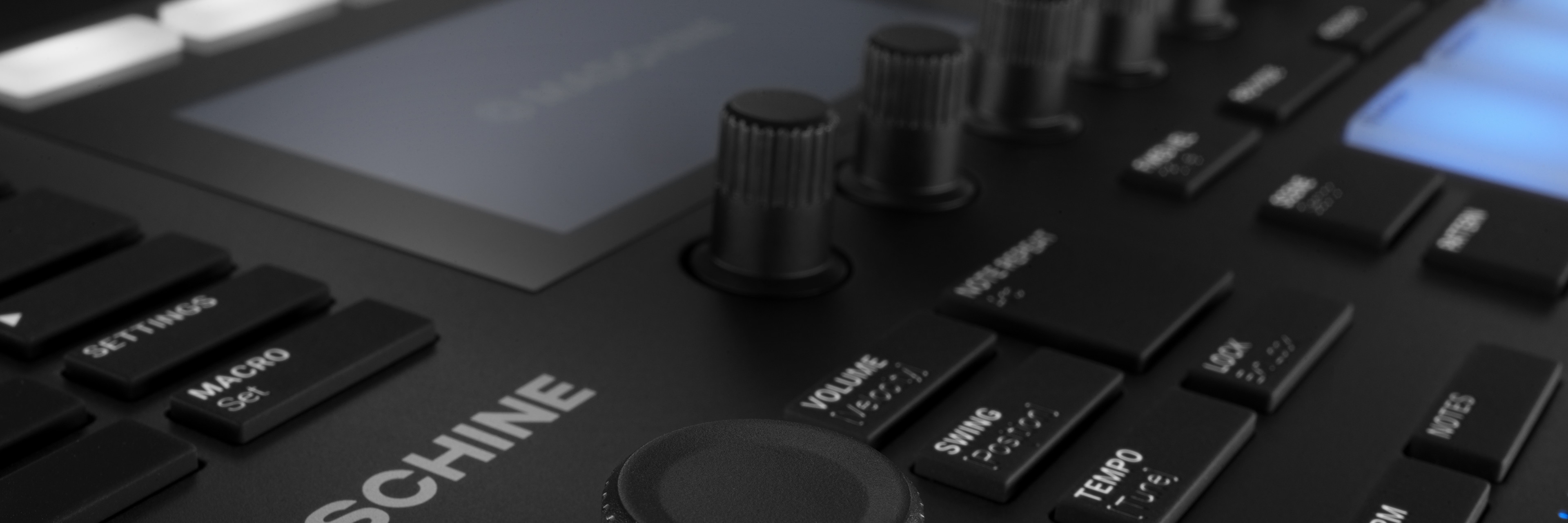
"I want the feel and instant, hands-on control of hardware — but I also don't want to give up the efficiency of managing plugins and mixing on a PC (DAW)." When choosing a pad-style device, many beatmakers get stuck on this either/or. The classic MPC has a distinctive character and the convenience of standalone operation, but for those who want to leverage their existing VSTs and work alongside a PC, a strong option is Native Instruments' Maschine MK3.
In this article, the Beat Lab editorial team reviewed information on the official Native Instruments site as of July 2026 and lays out the Maschine MK3's status as a current model, its bundled software, specs and street price, and its hybrid workflow with a DAW. For the bigger picture on shaping 808 and bass texture, see how to build a mix template as well.
🎥 See the Maschine MK3's features in a hands-on review video
The actual feel of the hardware is hard to convey in text and photos alone, so this hands-on review from the well-known gear review channel loopop makes it easy to picture. In about 9 minutes, it covers the dual displays, audio interface, Smart Strip and more.
▶ Watch on YouTube (9 min) (loopop channel)
What is the Maschine MK3? A PC-connected groove production system
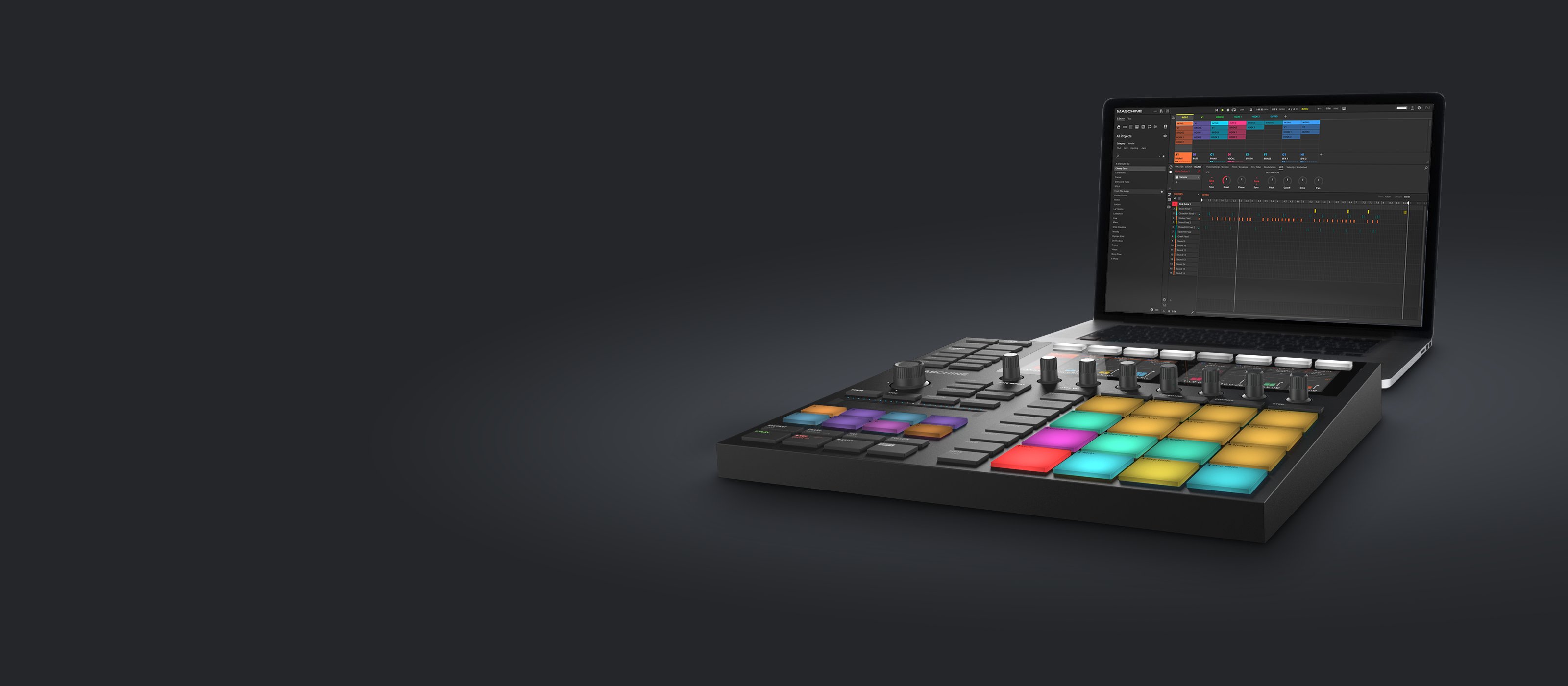
The Maschine MK3 is a groove production system that pairs a controller — with 16 large pads and two full-color displays — with the dedicated "Maschine 3" software. It's not a standalone synth/sampler; it connects to a PC/Mac and you drive the software from it (it has a built-in audio interface with line I/O). If you want to work without a computer, the higher-end standalone Maschine+ is available separately.
As of July 2026, the Maschine MK3 is a current model in Native Instruments' lineup. The older MK1/MK2 generation has had end-of-software-support announced, but the MK3 fully supports the latest "Maschine 3" software and forms the current line together with the Maschine Mikro MK3 and Maschine+ (official information as of July 2026).
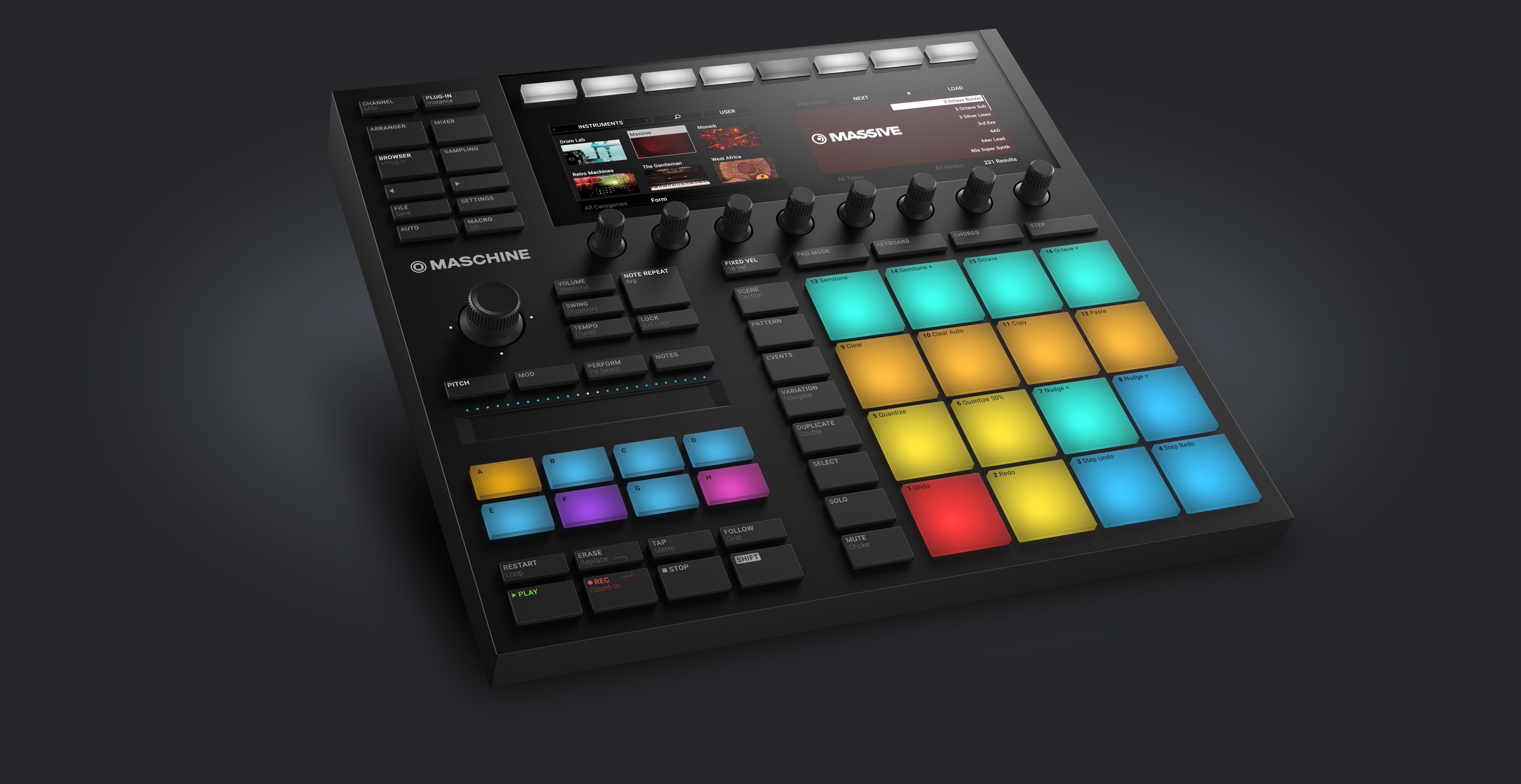
Image: Native Instruments official site
Four points that matter for beatmaking
1) Flexibility, and parameters auto-assigned to the knobs
Maschine's strength is that, on top of sampling and slicing, you can load third-party VST synths and effect plugins inside Maschine. The parameters of a loaded plugin are automatically mapped to the MK3's hardware knobs, so you can shape sounds with a hands-on feel instead of clicking around on screen. Being able to use your existing plugin collection as-is is a strong point that fits a PC-centered setup.
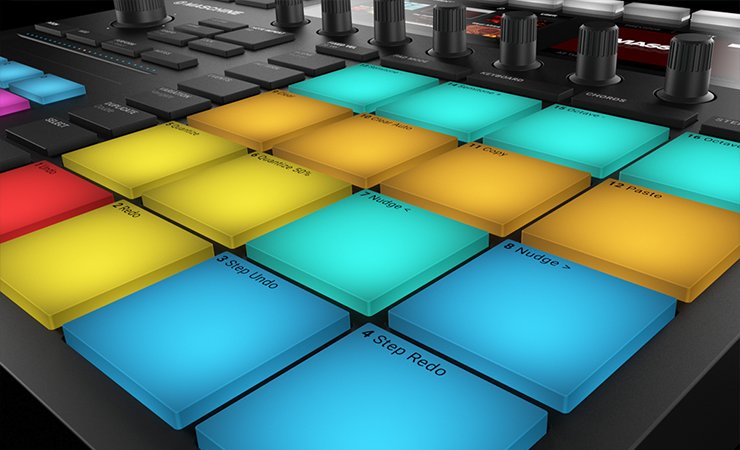
Image: Native Instruments official site
2) Visibility from the large dual displays
The MK3 has two high-resolution full-color displays built in. You can show waveforms, the browser and the mixer on them, so it's easy to check the overall arrangement on your PC's large screen while building the beat with the on-unit displays and pads.
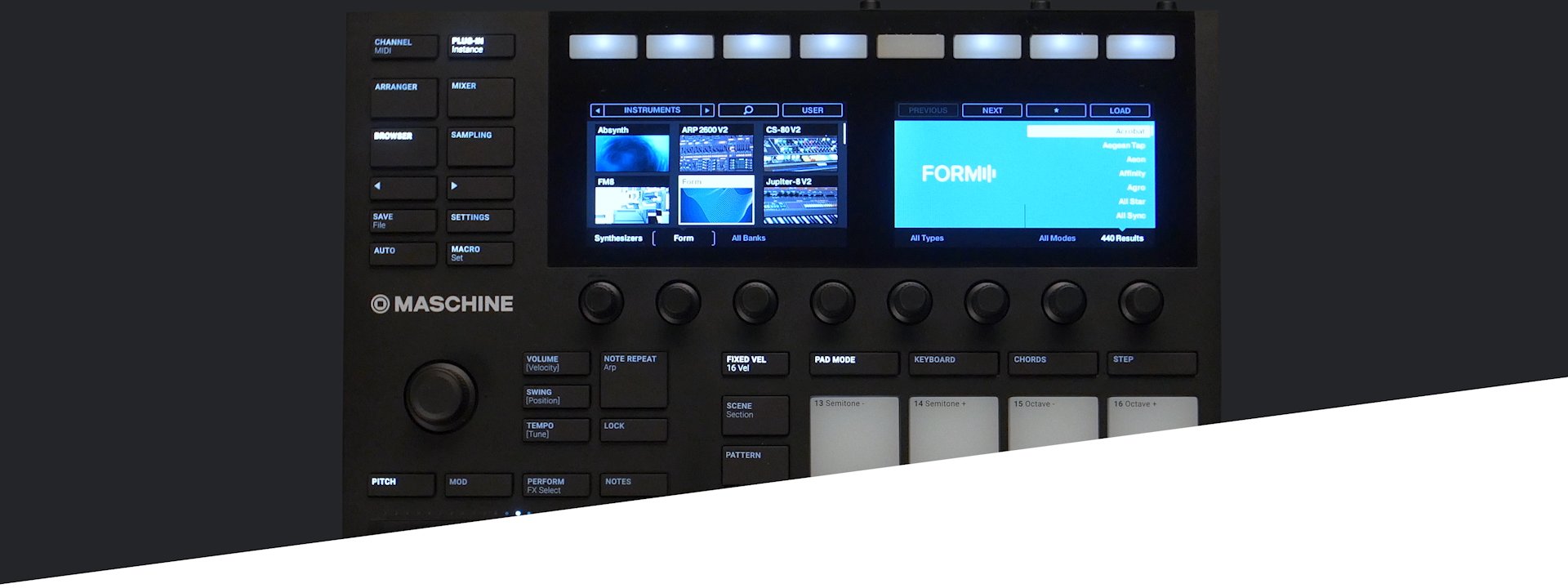
Image: Native Instruments official site
3) Ideas on Maschine, finishing in the DAW: the "hybrid workflow"
A common approach is to use the MK3 as a dedicated machine for sketching ideas and building loops, and leave the finishing to your DAW. The rough flow looks like this:
- Build the skeleton on Maschine: tap in drums on the pads, layer a bassline, and quickly assemble the 2–8 bar loop that forms the core of the track.
- Move to the DAW: once the loop is done, load Maschine as a plugin in your DAW or export the stems.
- Record and mix: on the DAW side, record live instruments, add fine sound design, and finish the mixdown and mastering.
Building beats intuitively is where Maschine shines, while precise audio editing and mixing are the DAW's domain. Combining the two lets you build a workflow that plays to each one's strengths.
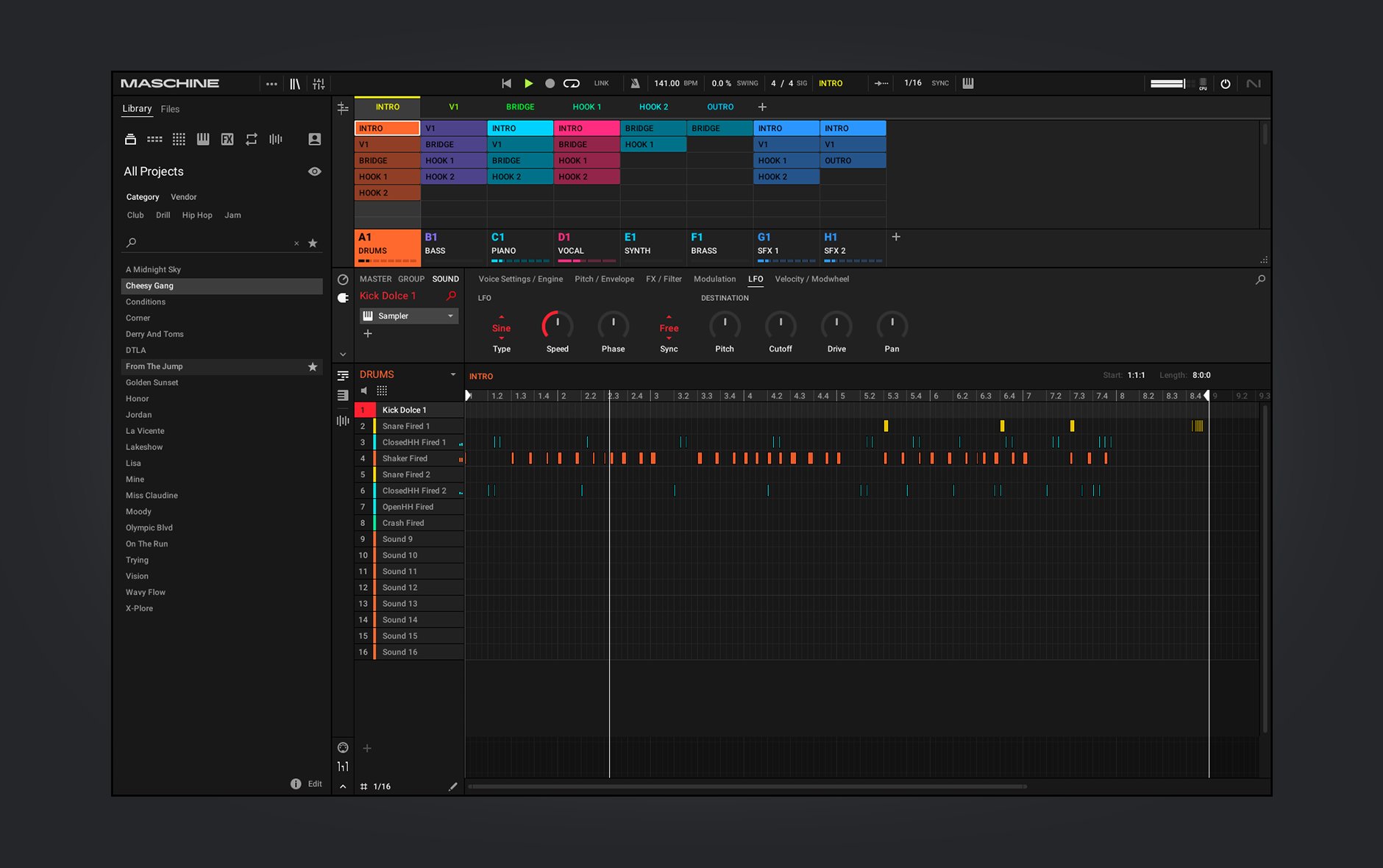
Image: Native Instruments official site
4) Synths, sound sources and effects included from the start
For anyone starting out in beatmaking, a point not to overlook is that a software bundle and library are included at purchase (official information as of July 2026):
- The latest "Maschine 3" software
- The Komplete Select bundle, including staple synths such as Massive, Monark and Prism
- The "Maschine Central" library, with more than 140 multisampled Kontakt instruments and over 700 drum samples
- A set of native effects
Because a full range of pro-quality sounds is on hand right after purchase — without having to buy extra sound sources — it's an easy first unit to get started with.
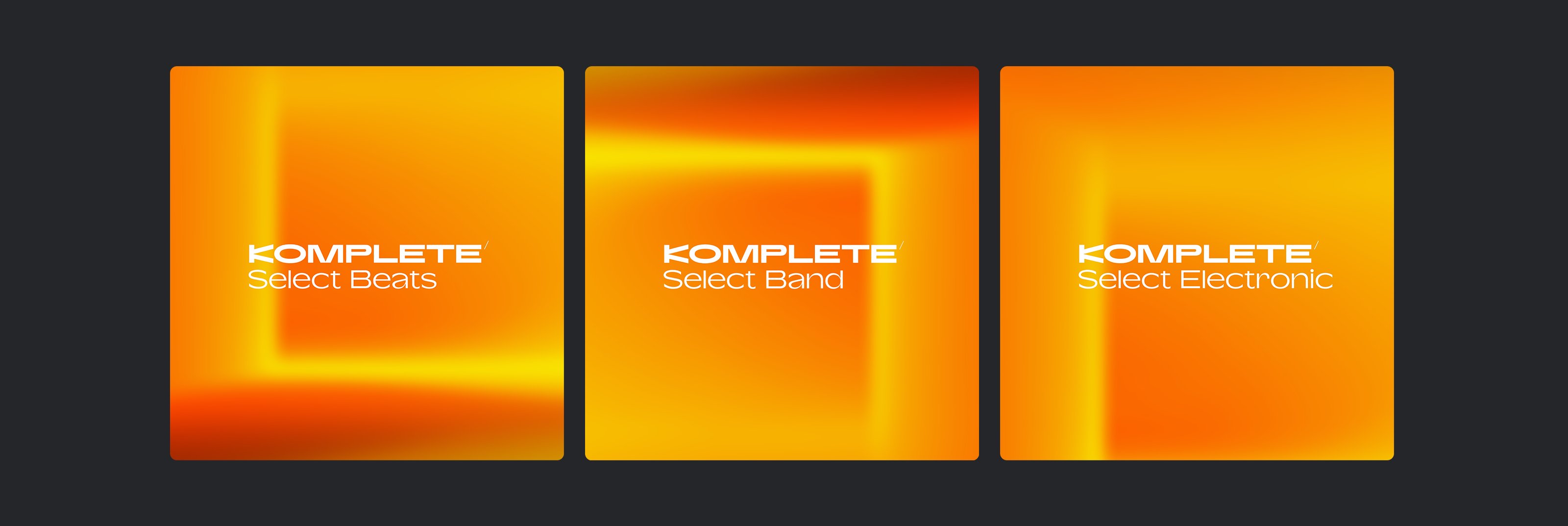
Image: Native Instruments official site
Specs and price (as of July 4, 2026)
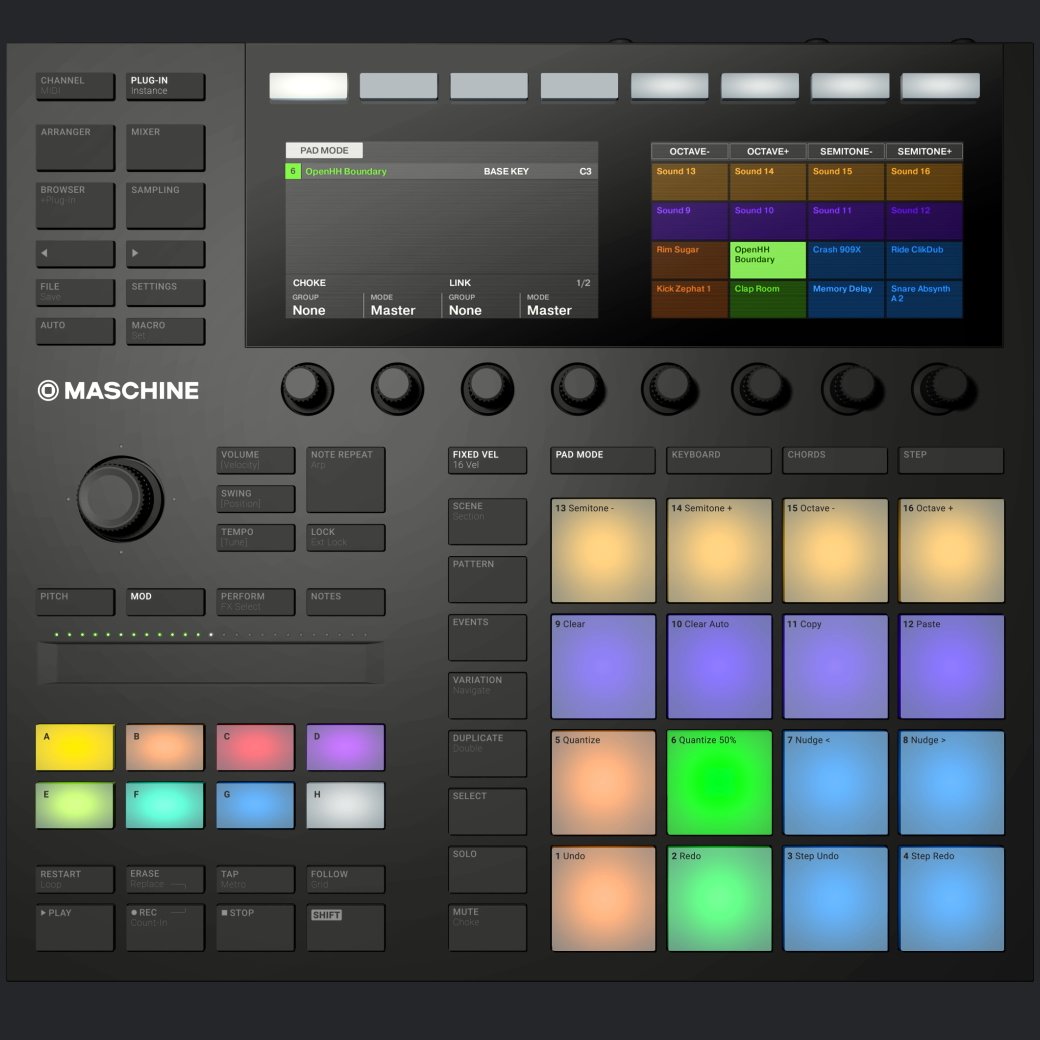
Image: Native Instruments official site
| Item | Maschine MK3 |
|---|---|
| Pads | 16 large velocity/aftertouch-sensitive pads |
| Displays | Two high-resolution full-color displays |
| Audio | Built-in 24-bit/96kHz audio interface with line I/O and more |
| Operation | PC/Mac-connected (no standalone operation; for standalone use, the higher-end Maschine+) |
| Software | Maschine 3 (current version; the MK3 is fully supported) |
| Included bundle | Komplete Select (including Massive, Monark, Prism, etc.) and the Maschine Central library (700+ drum samples, 140+ Kontakt multisample instruments) |
| Current status | Current model (the older MK1/MK2 generation is end-of-support; MK3/Mikro MK3/Maschine+ are the current line) |
| Street price | From around ¥70,000 (Sound House ¥71,500 incl. tax, as of July 4, 2026) |
*Specs and bundle contents were confirmed on the official Native Instruments site and elsewhere on July 4, 2026. The generation of Komplete Select and included contents may vary by sales period, so please check the latest listings on the official site or retailer before buying.
A tip for desk placement
Rather than laying the MK3 flat on the desk, placing it on a laptop stand with a slight forward tilt brings the unit's large displays closer to eye level and improves visibility. It reduces strain on your neck and posture, and the space created under the stand lets you use the desk more efficiently — a setup worth considering when you bring one in.
Frequently asked questions
Q1. Is Maschine MK3 still a current model in 2026?
Yes. Native Instruments' current lineup is the Maschine MK3, Maschine Mikro MK3 and the standalone Maschine+, all of which support the latest Maschine 3 software. Only the older MK1/MK2 generation has had end-of-support announced (as of July 2026).
Q2. Does Maschine MK3 work standalone?
No. The MK3 is a controller-plus-software system that connects to a PC/Mac (it has a built-in audio interface with line I/O). If you want to work without a computer, the higher-end Maschine+ is the standalone option. That said, the hybrid workflow that leverages your PC screen and plugin collection is exactly what the MK3 is good at.
Q3. What software is included?
In addition to the latest Maschine 3 software, it comes with the Komplete Select bundle (including Massive, Monark and Prism) and the Maschine library (Maschine Central), which contains over 700 drum samples and more than 140 multisampled Kontakt instruments (official information as of July 2026).
Q4. Should I choose an MPC or the Maschine MK3?
If you value standalone operation independent of a PC or a traditional workflow, an MPC suits you; if you want to leverage your existing VST plugins and work in tandem with a DAW, the Maschine MK3 is a good fit. An easy rule of thumb is whether your setup is PC-centered or you want the hardware to be self-contained.
Summary: choose to match your production style
If you value a traditional character like the MPC's, the romance of tapping the pads, and the convenience of fully standalone operation, an MPC is the way to go. On the other hand, if you want a hybrid style — sketching ideas and building loops intuitively on hardware, then leveraging your plugin collection and finishing the mix and live recording in a DAW — the Maschine MK3 makes a strong partner.
On top of that, because staple synths like Massive and multisampled sound sources are included from the start, it's a cost-effective unit for anyone getting serious about beatmaking. Being a current model you can use for the long term, it's a fitting option for those who want the best of both the PC environment and hardware.